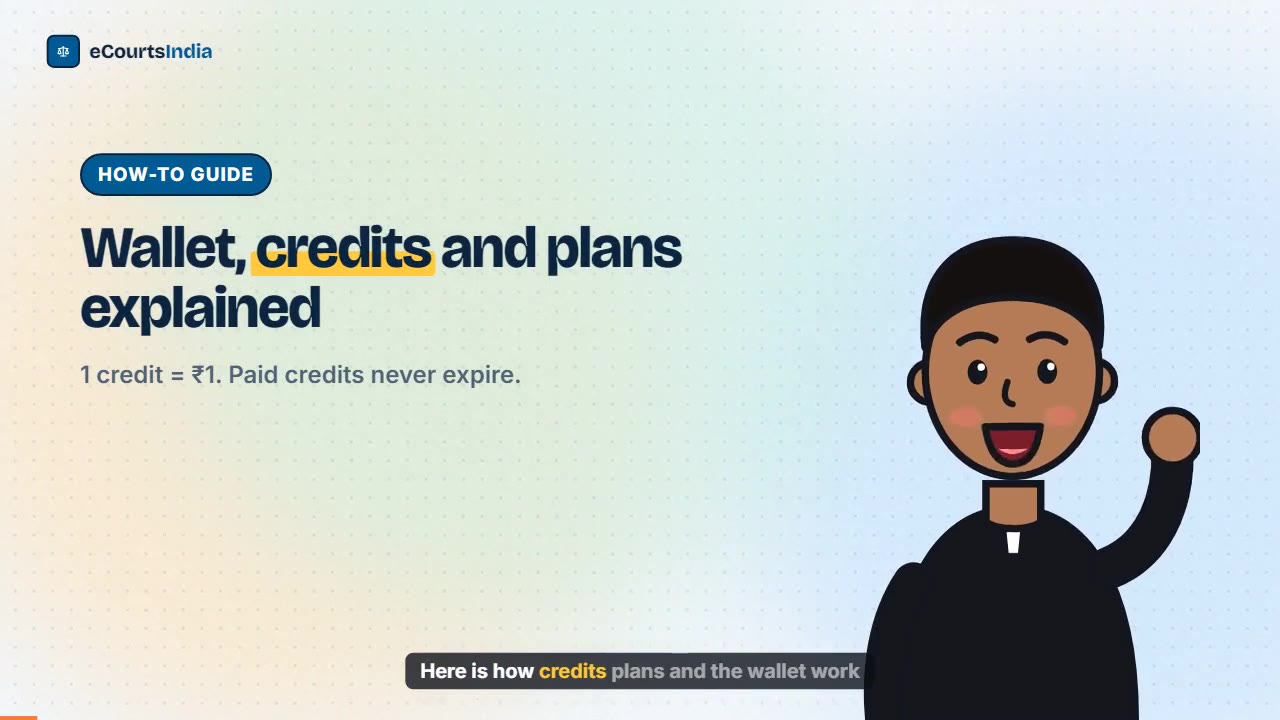
eCourtsIndia runs on a prepaid wallet where 1 credit equals ₹1. You can stay free, add the free Chrome Extension for ₹100 of free balance every month, take a plan (₹250 + GST a month for 250 credits, ₹5,000 + GST for 7,500 credits, or ₹10,000 + GST a year for 20,000 credits), or buy credits without a plan. Paid credits never expire, and search, cause lists and directories are free.
Last updated: November 2026. eCourtsIndia (ecourtsindia.com) is an independent, non-government platform that mirrors public court records; it is not affiliated with any court or with the government.
Most of eCourtsIndia is free: searching, case pages, cause lists and the directories. The work done for you in the background, such as watching cases, sending alerts, reading orders and fetching true copies, is paid from a small prepaid wallet. This guide covers the plans, costs, top-ups, GST invoices and cancelling, with a worked monthly example.
Key takeaways
- 1 credit = ₹1. Paid credits never expire, and free balance is always spent first.
- Plans: Monthly ₹250 + GST (250 credits), 6 months ₹5,000 + GST (7,500), Annual ₹10,000 + GST (20,000), or top up from 50 credits.
- Costs: tracking ₹5 per case every 30 days, alerts ₹0.50 per channel, AI summary ₹2, true copy ₹5. Search and cause lists are free.
- The Chrome Extension keeps ₹100 of free balance in your wallet every month it is active.
- Add Billing details (State, optional GSTIN) for a GST Tax Invoice, and cancel any time from Wallet.
Watch: eCourtsIndia wallet, credits and plans
Read the video transcript
Here is how credits, plans and the wallet work on eCourtsIndia, and what each action costs. Open the pricing page. Pick the monthly plan at rupees 250 plus GST, six months at rupees 5000, or a year at rupees 10000. Tracking a case costs rupees 5 every 30 days. Each alert is 50 paise per channel. An AI order summary is rupees 2, and a true copy is rupees 5. Search and cause lists stay free. In your dashboard, open Wallet. You see your balance, and Add Credits tops it up by UPI, card or netbanking. Every charge shows in the transaction history. Need a GST invoice? Add your state and GSTIN in Billing details, then view any payment and save the Tax Invoice as a PDF. You can cancel a subscription here too. See current plans at eCourtsIndia.com slash pricing.
How do credits and the wallet work?
Your wallet holds credits, and 1 credit pays for ₹1 of work. Paid actions such as case tracking, alerts, AI summaries and true copies deduct credits as they happen, and every deduction is listed against the case.
- Paid credits never expire. Credits from a plan or a top-up carry forward month to month.
- Free balance is spent first. The ₹100 a month from the Chrome Extension is used before your paid credits.
- One-off work is charged only when it completes. A failed LegalCheck, for example, costs nothing.
- Searching stays free within the daily allowance, and so do cause lists and the directories.
The wallet sits under Wallet in your dashboard. No account yet? Sign up free first.
Which plans are there, and which should you pick?
There are five ways to pay: stay free, add the free Chrome Extension, or take a Monthly, 6-month or Annual plan. Pick by how many cases you track. At the time of writing (November 2026), the pricing page lists:

| Plan | Price | Credits | Good for |
|---|---|---|---|
| Free | ₹0 | None | 200 searches a day, case status and orders, 3 free Legal Checks |
| Free + Chrome Extension | ₹0 | ₹100 free each month while active | About 10 tracked cases with alerts |
| Monthly | ₹250 + 18% GST (₹295) | 250 every month | About 35 cases tracked with alerts |
| 6 months | ₹5,000 + GST (₹5,900) | 7,500 up front | About 175 cases a month |
| Annual | ₹10,000 + GST (₹11,800) | 20,000 up front | About 235 cases a month |
A litigant with one or two cases rarely needs a plan; the Chrome Extension’s free ₹100 covers it. An advocate with a steady board usually starts Monthly. A chamber with a hundred or more matters gets more credits per rupee from the 6-month or Annual plan, paid once.
How do you add credits, step by step?
Open Wallet, click Add Credits or View plans, choose a plan or an amount, check the order summary and pay by UPI, card or netbanking.
Step 1: Open your Wallet
Log in and click Wallet in the dashboard sidebar. You see your balance and, if you have one, your subscription.
Step 2: Click Add Credits or View plans
Add Credits opens Buy credits without a plan on the pricing page. View plans shows the plans.
Step 3: Pick a plan or an amount
Without a plan, choose a pack of 50, 100, 200, 500, 1,000, 2,500, 5,000 or 10,000 credits. You pay the credits plus 18% GST, so 500 credits cost ₹590.

Step 4: Check the order summary and pay
The checkout shows an Order summary. Click Proceed to payment and pay through Razorpay by UPI, card or netbanking. Credits appear in your wallet as soon as the payment is confirmed. For a GST invoice in your firm’s name, fill in Billing details first (see below).
What does each action cost?
Tracking a case costs ₹5 every 30 days, each delivered alert ₹0.50 per channel, an AI order summary ₹2 and a true copy ₹5. Search, cause lists and directories are free.

| Action | Cost | How it is charged |
|---|---|---|
| Case tracking | ₹5 per case | Every 30 days on your cycle date, whether or not the case moves. Stop tracking and the charge stops. |
| WhatsApp and email alerts | ₹0.50 per alert | Per channel, only when delivered. Both channels make an update ₹1. |
| AI order summary (“Read an order for me”) | ₹2 | Once per order. Re-reading later is free. |
| Download a true copy | ₹5 | Once per document. Digitally signed and watermarked. |
| AI Clerk: files, questions, drafts | From ₹0.25 | On usage. Taking in a brief is usually ₹8 to ₹20; a question about ₹2 to ₹3. |
| LegalCheck | ₹100 per check | First 3 free. Charged only when the report is ready. |
| FIR PDF unlock | ₹1 | Per FIR document. |
| Search, cause lists, directories | ₹0 | Free accounts get 200 searches a day (2,000 a month); Pro gets 1,000 a day. Then ₹0.60 per search, and you are asked before the first charge. |
The guides behind these features: enabling case alerts, the AI Clerk, running a LegalCheck and downloading court orders. If you need a court-certified copy rather than a true copy, read how to get a certified copy of a court order.
What does a typical month cost?
A busy advocate tracking 20 cases spends roughly ₹200 to ₹210 a month, which the Monthly plan covers with room to spare. A litigant with one case spends about ₹10, which the Chrome Extension’s free balance covers.
Here is the arithmetic for a fictional advocate, Rohan Mehta (example), in a month with both alert channels switched on:
| Item | Working | Credits |
|---|---|---|
| Tracking | 20 cases × ₹5 | 100 |
| Alerts | 30 updates × ₹1 (WhatsApp + email) | 30 |
| AI order summaries | 15 new orders × ₹2 | 30 |
| True copies | 4 downloads × ₹5 | 20 |
| AI Clerk questions | 10 questions × ₹2 to ₹3 | 20 to 30 |
| Total | 200 to 210 |
With the Chrome Extension active, the first ₹100 comes from free balance, so only about 100 to 110 paid credits are used. On the Monthly plan (250 credits), the rest carries forward. A fictional litigant, Asha Verma (example), tracking one case with WhatsApp alerts only would spend ₹5 on tracking, about ₹1.50 on three alerts and ₹4 on two order summaries: about ₹10.50, all from free balance. The pricing page has an estimator if you want to size your own board.
How do you get free balance with the Chrome Extension?
Install the eCourtsIndia Chrome Extension on desktop Chrome and log in to it. While it is active, your wallet is topped up to ₹100 of free balance every month.
The top-up brings free balance up to ₹100; it does not stack month on month. The extension also shows tomorrow’s district and taluka court cause list and case status updates in your browser (High Court lists are not covered). To be clear about how it works: the extension uses your browser’s internet connection to fetch public court records from official government websites for cases in the monitoring service, within a daily allowance, and you can pause it any time. Install it from the Chrome Web Store and see the Chrome extension guide for setup.
How do you read your transaction history?
Open Wallet and scroll to Transaction History. Filter by type, such as AI Summary, True Copy, Case History, Search charges or Credit Purchase, to see exactly where credits went.
Each deduction shows against the case or action that caused it, so a sudden drop is easy to trace. Mapping cases to clients in the AI Clerk keeps this tidy; see importing cases from the eCourts Services app.
How do you get a GST invoice?
Fill in Billing details in your Wallet (State is required, GSTIN is optional), then open Payments & Invoices, click View next to a payment and use Print / Save as PDF.
- In Wallet, open Billing details. Choose your State and, for a B2B invoice, enter your GSTIN (optional). Do this before paying, so the invoice carries your details.
- Under Payments & Invoices, click View next to the payment.
- The GST Tax Invoice opens. Click Print / Save as PDF.
Invoices are available for payments made from 24 August 2026 onwards. For anything older, write to support@ecourtsindia.com.
How do you cancel a subscription?
Open Wallet and click Cancel subscription in the subscription panel. Cancel before your next cycle date to stop the next renewal.
The Monthly plan renews each month for up to twelve cycles. The 6-month and Annual plans are single payments with no monthly mandate. Credits you have already bought stay in your wallet and never expire, so cancelling does not waste them. You can restart any time from View plans.
What happens when your balance runs low?
eCourtsIndia warns you before the balance runs out. If it does run out, tracking pauses until you top up, and missed updates are logged under Notifications with a “No balance” status.
Searches beyond the free daily allowance cost ₹0.60 each, and you are asked before the first charge. Cause lists and the directories stay free. After topping up, check Notifications (filter “No balance”) for anything that changed meanwhile.
Troubleshooting: billing questions
- Paid, but no credits. Credits appear once Razorpay confirms the payment. If they have not shown after a few minutes, write to support@ecourtsindia.com with the payment time and amount.
- Free ₹100 did not arrive. Check that the Chrome Extension is installed, logged in and active. It tops up to ₹100, so an unspent free balance is not added to.
- API credits are separate. The developer API has its own pricing and API Billing screen. See how to get your API key.
Start free, add the Chrome Extension for the monthly ₹100, and move to a plan only when your board grows. Current prices are always on the pricing page. For a tour of everything the credits pay for, see the eCourtsIndia user guide.
Sources: eCourtsIndia pricing page (plans, credit packs and per-action charges, November 2026) and the Wallet screen in the eCourtsIndia dashboard.
Frequently asked questions
How much does eCourtsIndia cost?
Searching, case pages, cause lists and directories are free. Paid work runs on credits worth ₹1 each: plans are ₹250 + GST a month for 250 credits, ₹5,000 + GST for 7,500 credits or ₹10,000 + GST a year for 20,000 credits. You can also buy credits without a plan, from 50 credits.
Do eCourtsIndia credits expire?
No. Credits you pay for, from a plan or a top-up, never expire and carry forward. The ₹100 monthly free balance from the Chrome Extension is a top-up to ₹100 rather than an addition, and free balance is always spent before paid credits.
How much does it cost to track a court case on eCourtsIndia?
Tracking costs 5 credits (₹5) per case every 30 days, whether or not the case moves. Each delivered alert costs ₹0.50 per channel, so WhatsApp plus email is ₹1 per update. A tracked case typically costs about ₹7 a month with alerts.
How do I get a GST invoice from eCourtsIndia?
Open Wallet, fill in Billing details with your State and, for B2B, your GSTIN. Then go to Payments & Invoices, click View next to the payment and use Print / Save as PDF on the Tax Invoice. Invoices are available for payments from 24 August 2026.
How do I cancel my eCourtsIndia subscription?
Open Wallet and click Cancel subscription in the subscription panel, ideally before your next cycle date. The Monthly plan renews for up to twelve cycles, while the 6-month and Annual plans are single payments. Credits already in your wallet stay there.
How do I get free balance on eCourtsIndia?
Install the eCourtsIndia Chrome Extension on desktop Chrome and log in to it. While it is active, your wallet is topped up to ₹100 of free balance every month, enough to track about 10 cases with alerts. New accounts also get 3 free Legal Checks.


