
Last updated: 28 September 2026
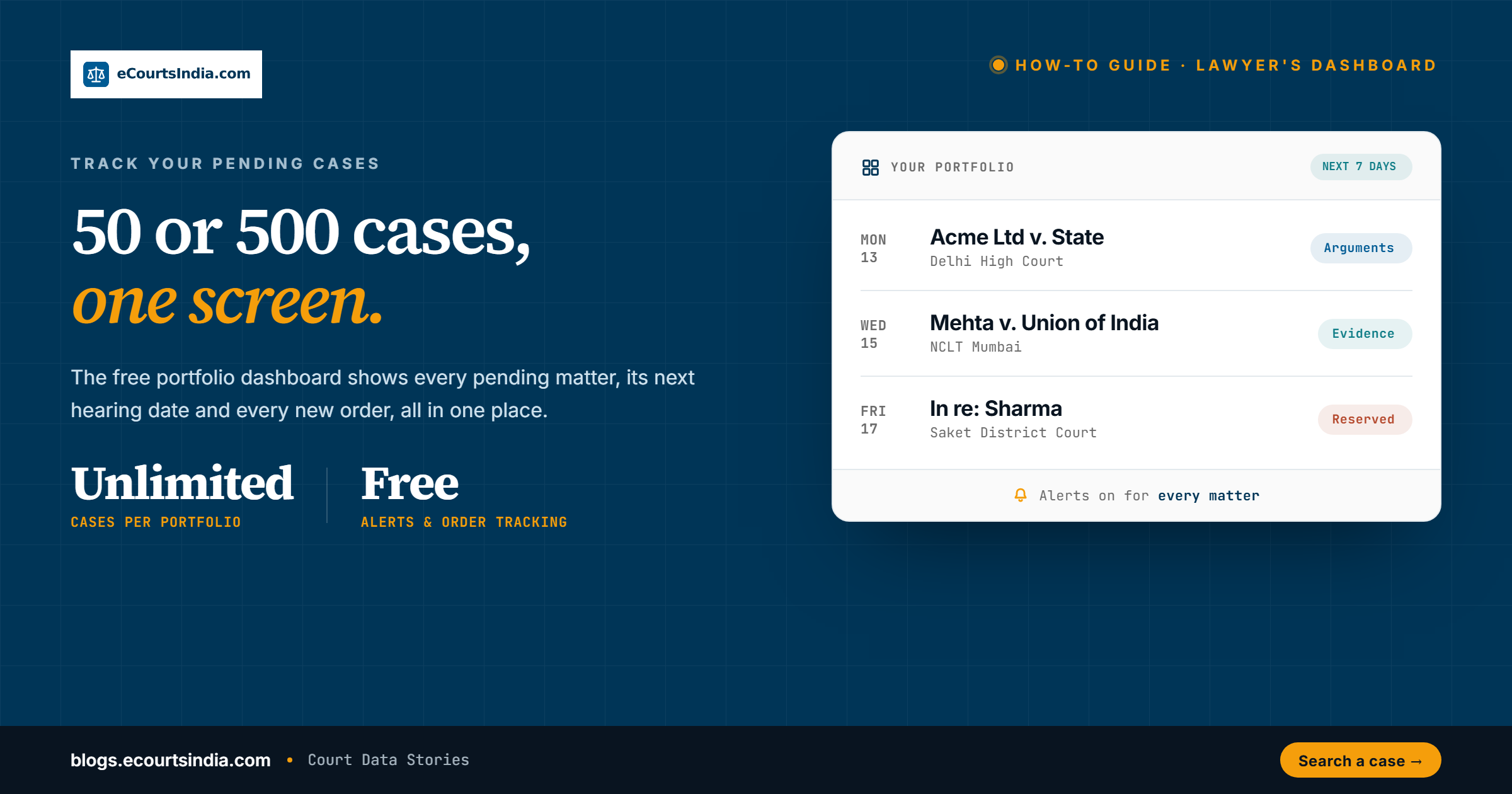
If you are juggling 50, 100 or 500 active cases across several courts in India, the eCourtsIndia dashboard lets you organise every matter under its client, track each one, and see its next hearing date and latest order in one place. Add cases by CNR or by searching a party or advocate name, map them to a client, then switch on WhatsApp and email alerts so you hear about new dates and orders. Searching cases, cause lists and directories is free. As of September 2026, tracking costs ₹5 per case per month and each delivered alert ₹0.50 per channel (₹1 if WhatsApp and email are both on), paid from credits. The free plan includes 50 credits a month.
The Government’s eCourts Services portal showed 65.2 lakh cases pending in High Courts and 5.21 crore in district and taluka courts when checked on 28 September 2026. The National Judicial Data Grid (NJDG) publishes the live count. eCourtsIndia is a private platform, not the Government’s eCourts portal (ecourts.gov.in).

Key takeaways
- The eCourtsIndia dashboard organises and tracks your cases client by client, across 32 crore+ case records.
- Add cases by CNR or by searching a party or advocate name, then map them to a client.
- Turn on WhatsApp and email alerts to hear about new hearing dates, orders and stage changes.
- Search is free. Tracking costs ₹5 per case per month and each delivered alert ₹0.50 per channel, paid from credits (free plan: 50 credits a month; paid plans from ₹250 + 18% GST a month, as of September 2026).
- Check your list on the move with the Android and iOS apps and the Chrome extension.
32 crore+
Case records to track from
WhatsApp + email
Hearing & order alerts
₹5
Per case per month to track (Sep 2026)
Tracking just one case?
This guide is about running a whole caseload. If you only want to follow one matter, the setup takes a couple of minutes: open the case, add it to a client, switch on alerts. Our step-by-step guide to enabling case alerts for any court case walks through it with a video. Come back here when you have more than a handful of matters to organise.
Why a dashboard matters for a busy practice
A dashboard is really a habit: treating your caseload as a portfolio. Any lawyer with more than thirty pending matters across two or more courts has a portfolio problem whether she calls it that or not. Dates slip. A client rings for an update and nobody can find the last order in under a minute. One screen with every matter, its next date and its last order fixes most of that.
What does the lawyer dashboard actually do?
The dashboard (called Portfolio Dashboard on ecourtsindia.com) organises your matters under clients. For every case you add and track, it shows:
- Next hearing date and court, from the court’s records and cause list (the daily list of cases each court will hear). See how to read a cause list.
- Current case stage, such as arguments, evidence or judgment reserved. The case status dictionary decodes all 71 status codes.
- Latest order or proceeding, with the order PDF on the case page.
- Advocates and judge on record.
- WhatsApp and email alerts on new listings, stage changes, new orders and disposal.
Every tracked case opens the same eCourtsIndia case page you get from a case status lookup, so the dashboard and the case page always match. Both are refreshed from the court’s eCourts record, which can lag. Before a hearing, confirm the date on the court’s official cause list.
How do you add cases?
Pick whichever route matches how your chamber already keeps records:
- By CNR number. The most precise path. A CNR (Case Number Record) is the 16-character number the eCourts system gives each case. Paste the CNR to open that exact case. If the CNR returns nothing, use Add a Missing Case (below).
- By party name. Useful for a client’s matters. Search the company’s or client’s name, narrow by state and court using the search filters, and add the matches you want. The litigant search guide covers name matching in detail.
- By advocate name. If you are the advocate of record, open your lawyer profile page to see the cases you appear in, then add the relevant ones to a client. You can also claim your free advocate profile.
Whichever route you use, mapping a case to a client takes five steps:
- Find the case on ecourtsindia.com/search by CNR, party name or your advocate profile, and open its case page.
- Open the Case Alerts panel on the case page and click Enable alerts.
- Assign the case to a client, or add a new client.
- Choose Directly representing or Tracking only, add an optional note, and click Map Case.
- Keep a few credits in your account so tracking and alerts can run.
If a case you know exists does not show up in search, use Add a Missing Case to ask for it to be added, then track it like any other.
How do hearing alerts work?
Once you switch on alerts for a tracked case, eCourtsIndia sends updates by WhatsApp and email:
- Hearing-date alert. When the case is listed or a new date is set, you get the details and a link to the case page.
- Order alert. When the court uploads a new order, you are told, with a link to it.
- Change alert. When the purpose (the stage the case is listed for) or the bench changes, an interlocutory application (IA) is filed, the case is transferred or it is disposed of, you hear about it.
Alerts are opt-in and can be turned on or off per case, which is useful for disposed matters you only want to watch passively. You choose the channels once in Settings, and the choice applies to every case you track. Alerts follow the court’s own updates, so an order appears once the court has uploaded it. Each delivered alert costs ₹0.50 per channel, so an update sent on both WhatsApp and email costs ₹1 (September 2026).
How do you stay on top of hundreds of cases?
- Group by client. Every case lives under a client, so opening a client shows every matter for, say, Acme Ltd. in one place.
- Sort by next date. For week-ahead planning, sort each client’s cases by next hearing date so listed matters surface first.
- Narrow with search filters. When you are hunting for records, case search lets you filter by court, case type, status, bench type, judge, advocate, party and filing, registration or decision date. Our full guide to search filters covers each one.
- Check upcoming hearings in the browser. The eCourtsIndia Chrome extension shows upcoming hearings and cause-list listings for your cases while you work, and the Android and iOS apps let you check your cases in the court corridor.
What should you review every week?
Most chambers get by with five checks a week:
- Pending matters in each court.
- Hearings in the next seven days, and who is appearing. Plan for adjournments when the judge is on leave.
- Matters with no hearing date for 90 days or more, since those tend to be forgotten.
- Orders received but not yet read or sent to the client.
- Matters pending more than four years, which deserve a periodic call on whether to press for an early hearing, settle or withdraw. For context, see how long Indian cases take to dispose.
A rhythm helps. A short Monday review for partners, a quick daily check for juniors with listed matters, and nothing in between. Moving from a WhatsApp group and a shared spreadsheet to a proper tracker takes a couple of weeks of discipline, but once the habit sets, the WhatsApp group goes back to being a place for good news rather than a panicked date tracker.
Keep documents and notes with each client
Beyond hearing dates, each client works like a small case workspace:
- Attach documents (pleadings, orders, briefs) to the client they belong to, so the file is always where you expect it. Read how eCourtsIndia handles your data in its Privacy Policy.
- Ask the AI Clerk questions about a client’s cases and documents in plain language.
- Summarise a long order with AI for ₹2, or download the order PDF for ₹2. A download is the court’s published copy, not a certified copy. For filing, apply to the court for a certified copy. AI summaries can contain errors, so read the order itself before relying on it.
Can you connect it to practice-management software?
If you build software, the eCourtsIndia API (23 endpoints, with ₹200 of free credits on signup, as of September 2026) and the hosted MCP server at https://mcp.ecourtsindia.com/mcp let you pull the same case data into your own systems. Start with the eCourtsIndia API guide, or connect the eCourtsIndia MCP to Claude. Examples of what you can build:
- Next-hearing dates synced into a Google or Outlook calendar.
- New-order PDFs saved to a Google Drive or SharePoint client folder.
- Case-status data piped into a firm dashboard or Power BI report.
See how a general counsel monitors a whole litigation portfolio through the MCP, or read a worked example of a solo advocate running a nine-court practice from a single Claude window.

How much does case tracking cost?
Search, cause lists and the lawyer and litigant directories are free. Paid actions draw on credits (the same credits that pay for the AI Clerk). One credit pays for ₹1 of work, and unused credits carry forward and never expire:
| Plan or action | Price |
|---|---|
| Free plan | 50 credits a month, no card required |
| Monthly plan | ₹250 + 18% GST a month (₹295), 500 credits a month |
| Six-month plan | ₹5,000 + 18% GST (₹5,900), 7,500 credits up front (1,250 a month) |
| Annual plan | ₹10,000 + 18% GST a year (₹11,800), 20,000 credits up front (about 1,667 a month) |
| Case tracking | ₹5 per case per month (5 credits every 30 days) |
| WhatsApp or email alert | ₹0.50 per delivered alert, per channel (₹1 if both are on) |
| AI order summary | ₹2 per order |
| Order PDF download (as published by the court, not a certified copy) | ₹2 per document |
| Search, cause lists and directories | Free |
More on the download itself: download court orders and judgments.
Worked example: credits for 80 and 150 matters
A chamber tracking 80 matters uses 400 credits a month on tracking. On the Monthly plan (500 credits), that leaves 100 credits for alerts, which is about 100 updates sent on both WhatsApp and email. A busy month may need the 6-month plan. The table assumes each matter gets about two updates a month, sent on both channels (an illustrative assumption):
| Credits a month | 80 matters | 150 matters |
|---|---|---|
| Tracking (₹5 per matter) | 400 | 750 |
| Alerts (2 updates per matter, ₹1 each on both channels) | 160 | 300 |
| Total | 560 | 1,050 |
| Monthly plan (500 a month) | Falls short by 60 | Falls short by 550 |
| 6-month plan (1,250 a month) | Covers it | Covers it |
| Annual plan (about 1,667 a month) | Covers it | Covers it, with the most room |
eCourtsIndia or the official eCourts Services app: which should you use?
The free eCourts Services app, built by NIC under the e-Committee of the Supreme Court of India, is the obvious alternative. eCourtsIndia is a private platform, not the Government’s eCourts portal (ecourts.gov.in). Here is how the two compare:
| Feature | eCourts Services app (NIC) | eCourtsIndia |
|---|---|---|
| Cost | Free | Search free; tracking ₹5 per case a month, alerts ₹0.50 per channel |
| Save and follow cases | “My Cases” list, grouped by hearing date and court establishment | Client-wise dashboard |
| Calendar and cause lists | Calendar view and cause lists | Sort by next hearing date; daily cause lists |
| Alerts | Not stated in the app listing. Case status by return SMS: send ECOURTS <CNR> to 9766899899 | WhatsApp and email alerts |
| Courts covered | High Courts and district courts on the eCourts network | The Supreme Court, all 25 High Courts, district and taluka courts, and 18 tribunal and commission types |
| Orders | Links to order PDFs | Order PDFs ₹2 (not certified copies); AI order summaries ₹2 |
| Documents and AI | Not stated | Document workspace per client and the AI Clerk |
Many lawyers use both: the official portal as the record, and a tracker for the workload. Always treat ecourts.gov.in and the court’s cause list as the official source. eCourtsIndia publishes this blog and is one of the products compared. We have tried to be fair. Corrections: support@ecourtsindia.com.
Track every pending case in one dashboard
Client-wise case tracking with WhatsApp and email alerts. Free search, 50 free credits every month.
Keeping clients informed
Clients ring because they do not know what happened. When every matter already has its next date and last order in one place, answering that call takes seconds, and a short weekly note per client (dates coming up, orders received, what is next) can replace most of those calls. When clients can see where their matters stand, meetings can start from the latest order and move to strategy, not recap. For in-house teams watching many cases against or by the company, our guide to finding all cases against a company covers the search side of building that list.
A week in a 150-matter chamber
Picture a three-advocate chamber (an illustrative example) with about 150 live matters across a High Court, two district court complexes and a consumer commission. On Monday morning the partners sort all clients by next hearing date and split the week’s listings. Through the week, WhatsApp alerts bring in new dates and orders as the courts post them; juniors read each new order the same day and file a one-line note against the client. Each evening someone checks tomorrow’s listings in the browser extension. On Friday, the list of matters with no date for 90 days goes to whoever handles that client, with a decision due the next week: mention for listing, chase the registry, or leave it.
At 150 matters, tracking uses 750 credits a month. If each matter sends about two updates a month on both WhatsApp and email, alerts add about 300 credits, so roughly 1,050 in all. The Monthly plan’s 500 credits will not cover that. The 6-month plan (1,250 credits a month) will, and the Annual plan (about 1,667 a month) leaves the most room.
What a dashboard cannot replace
A dashboard does not argue a case, negotiate with the other side or draft a reply affidavit. What it does is give back the time that used to go into chasing dates and rebuilding context before every hearing. That time goes back into the actual lawyering.
Related reading on eCourtsIndia Blogs: How to Check Your Court Case Status Online in India • CNR Number Decoded • How to Check a Lawyer’s Track Record Online. Published by eCourtsIndia Data Team. General information, not legal advice.
Frequently Asked Questions
How do I add cases to the eCourtsIndia dashboard?

Search for the case on eCourtsIndia by its 16-character CNR, a party name or your advocate profile. Open the case, go to the Case Alerts panel and click Enable alerts, assign it to a client, choose Directly representing or Tracking only, and click Map Case. The CNR route is the most precise; our CNR Number Decoded guide explains the format. If a case does not appear, use Add a Missing Case to request it.
How do hearing alerts work?
Once a case is mapped to a client and tracking is on, eCourtsIndia sends a WhatsApp or email message, or both, when the court’s record shows a new hearing date, a new order, a change of purpose or bench, a transfer, an IA filing or disposal. Alerts follow the court’s own uploads, so they are only as quick as the court. Each delivered alert costs ₹0.50 per channel (September 2026). The case alerts guide shows the setup.
How much does it cost to track cases on eCourtsIndia?
As of September 2026, search, cause lists and directories are free. Tracking costs ₹5 per case per month. Each delivered alert costs ₹0.50 per channel, so ₹1 when WhatsApp and email are both on. The free plan gives 50 credits a month. Paid plans are ₹250 + 18% GST a month (500 credits), ₹5,000 + 18% GST for six months (7,500) or ₹10,000 + 18% GST a year (20,000). One credit pays for ₹1 of work, and credits never expire. Check eCourtsIndia pricing before you budget.
Can I track a single case without setting up a full dashboard?
Yes. Open the case, add it to a client and switch on alerts. It takes a couple of minutes. Tracking costs ₹5 a month, plus ₹0.50 per delivered alert on each channel (September 2026). The pricing page says the free plan’s 50 monthly credits cover about seven tracked cases with alerts. The step-by-step guide to enabling case alerts walks through each step, with a video.
Can I connect the dashboard to my practice-management software?

Yes, if you or your software vendor can write code. The eCourtsIndia API (23 endpoints and ₹200 of free credits on signup, as of September 2026) and the hosted MCP server return the same case data you see on the dashboard. Examples include next-hearing dates in a Google or Outlook calendar, new order PDFs saved to a client folder and case status fed into a firm dashboard.
Is the eCourtsIndia dashboard the same as the official eCourts Services app?
No. eCourtsIndia is a private platform, not the Government’s eCourts portal (ecourts.gov.in). The official eCourts Services app, built by NIC, is free and lets you save cases under My Cases and see listed cases in a calendar. eCourtsIndia adds client folders, WhatsApp and email alerts, tribunal coverage and AI tools. Always confirm a date on the official record.
Sources
- eCourts Services, e-Committee of the Supreme Court of India (NIC): pendency statistics and case status by SMS. Checked 28 September 2026.
- National Judicial Data Grid (NJDG): live pendency. Checked 28 September 2026.
- App Store: eCourts Services app by NIC (My Cases, calendar, cause lists). Checked 28 September 2026.
- eCourtsIndia: Pricing (plans, credits, per-action prices, per-channel alerts, September 2026). Checked 28 September 2026.
- eCourtsIndia: Disclaimer (not a Government website; data may be delayed). Checked 28 September 2026.
- eCourtsIndia: API (23 endpoints, ₹200 free credits on signup). Checked 28 September 2026.
- eCourtsIndia Blog: How to enable case alerts (Case Alerts panel steps). Checked 28 September 2026.
- eCourtsIndia Blog: CNR Number Decoded. Checked 28 September 2026.