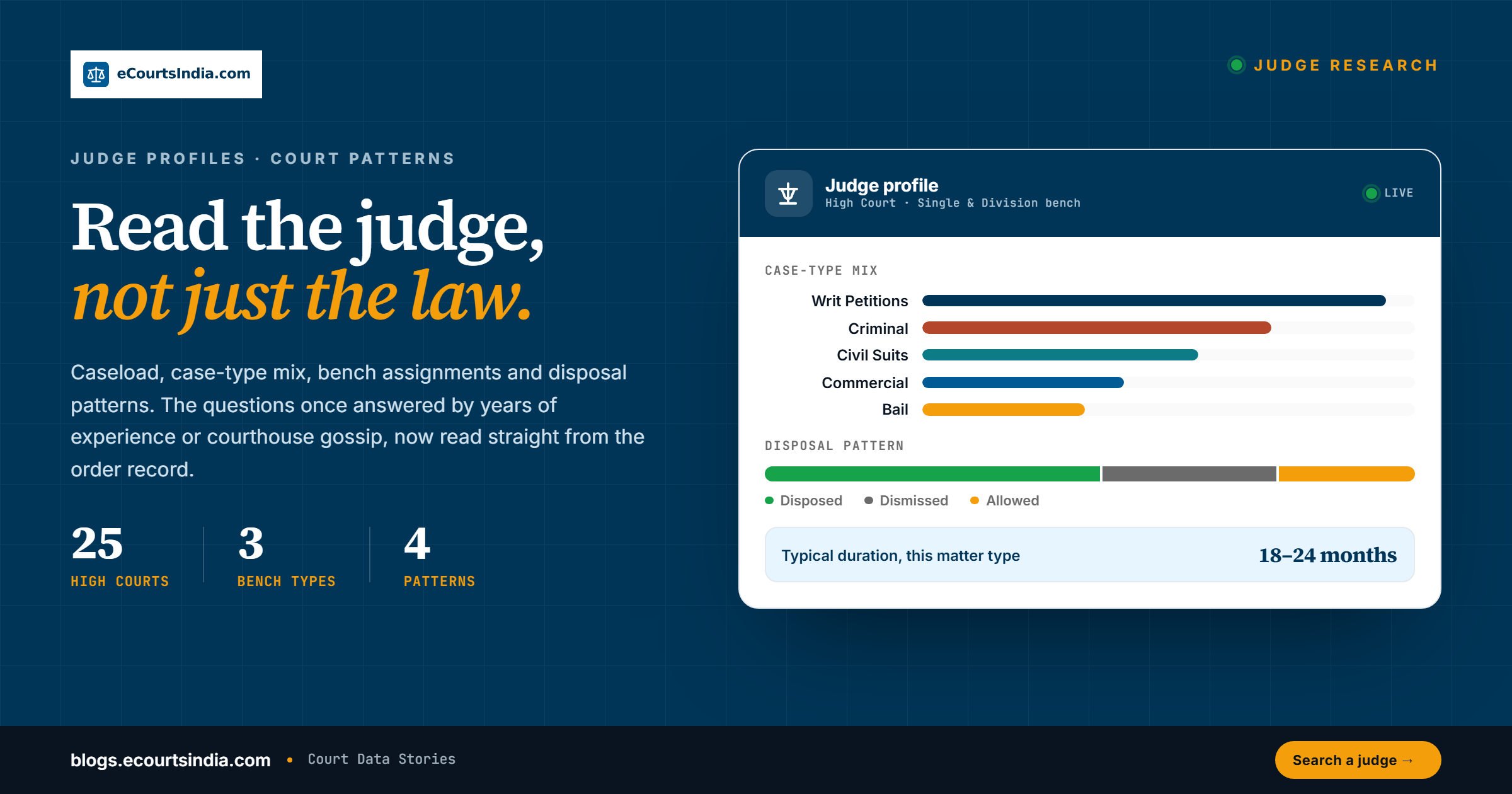
To research a judge in India, search the judge’s name in eCourtsIndia’s free Judge Directory at ecourtsindia.com/judge. You get the cases that judge presided over, taken from public court records. Filter them by case type, status and year, compare filing and decision dates, then read the orders. Patterns help you prepare. They never predict an outcome.
The directory holds 82,000+ judge profiles (as of September 2026) from the Supreme Court, the High Courts and the district courts. That is a count of profiles, not of judges serving today. For deeper work, use the Judge field in advanced search on the main search page to combine a judge with case type, status and bench filters.
This guide covers the directory, the Judge field in advanced search, a 15-minute bench research routine and the ethical lines to hold. eCourtsIndia is a private platform, not the Government’s eCourts portal (ecourts.gov.in). For the advocate side of the same research, see our guide to finding a lawyer in India.
Last updated: 28 September 2026
Knowing how a judge usually handles your kind of matter helps you prepare. It never replaces the law or the facts. How has this judge dealt with bail applications in recent orders? How long have matters like yours taken in this court? Is interim relief usually considered at the first hearing or after a full hearing? Lawyers once relied on experience and word of mouth for this. Public orders now let you check it against the record.

Key takeaways
- Search 82,000+ judge profiles (as of September 2026) by name on ecourtsindia.com/judge, or browse by state, district and court.
- A judge page is a working case list built from the court record, not a biography and not an analytics dashboard. You filter it and draw the conclusions yourself.
- Combine a judge with case type, status and bench type in advanced search to build a focused reading list of orders.
- There is no “follow this judge” alert. Track the specific case instead, and check the court’s cause list for what is listed tomorrow.
- Bench research is preparation, not prediction. Keep notes factual and respectful, and never let them near a submission.

What the Judge Directory shows you
Go to ecourtsindia.com/judge and you will see a search bar to look up a judge by name, with browse filters alongside to narrow by court and location. Open a judge and you get a judge-centric view of the court record: the cases that judge has presided over, taken from public court records and organised under their name. From a judge page you can:
- See the cases heard. The list of matters that came before this judge, pending and disposed, with new matters added as the record updates.
- Filter by case type. Narrow the list to criminal, civil, writ, bail, commercial or any other type to see what they primarily handle.
- Filter by status and year. Switch between pending and disposed, and limit to a year, to see how matters before this judge are being resolved now rather than a decade ago. Our case status dictionary explains what each status means.
- Read court and bench details. Each case card shows the court and, where available, the bench type the judge sat on. Bench labels are shown as the court records them.
- Open any case. Click through to the parties, the advocates, the hearing history and the orders, all tied to the case’s CNR number. Read the order text on the page where it has been uploaded, download the order PDF for ₹2 (a copy of the order as the court published it, not a certified copy), or use “Read an order for me” to get a plain-language AI summary for ₹2. Prices are as of September 2026. Our guide on how to download court orders and judgments covers the other routes.
- Work out typical duration. Compare filing and decision dates on disposed cases to estimate how long matters of your type tend to take.
Two limits are worth stating plainly. The page lists cases a judge presided over; it does not attribute authorship of a judgment within a bench, and it does not compute win rates or tendencies for you. Any pattern you see is one you read out of the orders yourself.
What a judge profile is, and what it is not. A judge profile lists the cases in which public court records name that presiding officer. Some district court records name only the post, not the person, so you may see a profile such as “Civil Judge” or “Chief Judicial Magistrate”. Search by court if a name returns nothing. Retired judges stay in the directory, so check the court and the dates. If you spot an error in a profile, write to support@ecourtsindia.com.
Why 82,000+ profiles is not a headcount. India had about 22,000 serving judges on the latest official counts. The Supreme Court listed 34 judges in September 2026. The High Courts had 797 working judges on 1 May 2026, and the district and subordinate courts had 21,026 working judges (Lok Sabha reply of 13 March 2026). The directory is larger because it keeps retired judges and designation-only entries.
How to search for a judge
- Go to ecourtsindia.com/judge.
- Type the judge’s name. Try the surname alone if the full name returns nothing, since registers record initials and honorifics inconsistently.
- Pick the right judge from the matches, checking the court shown against each name.
- Refine the case list with filters: court, case type, year, and status.
Not sure which judge will hear your matter? Check the case status page, which shows the court number or judge, and the cause list for your hearing date, which shows the bench. In the High Courts, the Chief Justice, as master of the roster, decides which bench hears which subjects, so the judge can change when the roster changes. For official biographies, see the Supreme Court’s Chief Justice & Judges page and each High Court’s judges page.
If you only know the court, browse judges by court instead: pick a state, district and court establishment, and eCourtsIndia lists the judges who appear in that court’s case records, so you can see who has been sitting where. If you are new to how benches are constituted, our explainer on bench types in Indian courts explains single, division, full and Constitution Benches. The Bench Type filter shows the labels courts use in their records, such as Single Bench, Division Bench and Full Bench.

How to use judge research for litigation strategy
Preparing for a hearing
When you know which judge will hear your matter, look them up before the hearing. Check their recent cases in the same category as yours. If you are arguing a bail application, look at how this judge has handled other bail applications recently. What reasons did the orders give? What conditions were imposed? This is not about predicting outcomes. It is about understanding the questions the court is likely to ask, so you can frame your arguments more effectively.
Understanding disposal times
How long matters take varies between courts, and it depends on the court’s workload, adjournments and the facts of each case. By filtering a judge’s cases by status and comparing filing and decision dates, you can get a realistic sense of how long your matter might take. That helps client counselling. Instead of a vague “it could take two or three years”, you can say something like “the last twenty disposed suits of this type before this court took between 18 and 24 months”, provided that is what the record you pulled actually shows. Those figures are illustrative. Yours come from the list in front of you. For court-level benchmarks, see our Disposal Time Index 2026.
Bench type analysis
Each case card shows the bench the judge sat on, and on the main search page you can layer a bench type onto a judge search. That lets you compare how a judge approaches matters sitting alone (Single Bench) and as part of a Division Bench. Read the orders before you conclude anything; bench composition changes who writes and what gets decided.
Searching for judges on the main search page
You can also search by judge on the main search page. Click “Advanced field-specific search” and use the Judge field. This is the better route when you want to combine a judge with other filters. For example, search for all cases before a specific judge where the case type is Writ Petition (Civil) and the status is Disposed. That gives you a curated set of disposed writ matters from that judge’s court. Reading the final orders shows you how constitutional questions have been approached there. The full eCourtsIndia Search Guide explains every filter you can stack on top.

Who is sitting tomorrow: the cause list angle
Judge research is most useful the evening before a listing. A cause list is the list of cases a court will take up on a given day, with each case’s item number, courtroom or bench, parties, advocates and the purpose of the hearing. The court’s own cause list is the official version; eCourtsIndia keeps a searchable copy refreshed daily from eCourts.
Open the court’s daily cause list to see what is listed before that judge and where your matter sits on the board (the day’s list); our guide on how to read a cause list explains the columns. The eCourtsIndia Chrome extension shows upcoming hearings and cause-list listings for the cases you track (a free account is needed), so you can see where your own matters sit before you plan your research. If the regular judge is on leave, the matter may go before a different bench, a situation our post on judges on leave and vacation benches walks through.
A fifteen-minute bench research workflow
Here is a routine that works for most litigation teams, and it fits in the time you have in a court corridor.
- Search for the judge by name and confirm the court.
- Filter the case list to the last twelve months.
- Narrow by case type. For a quashing petition under Section 528 of the Bharatiya Nagarik Suraksha Sanhita, 2023 (formerly Section 482 of the Code of Criminal Procedure, 1973), the Hon’ble Delhi High Court uses CRL.M.C. Other High Courts may use different codes, so check our case-type guide.
- Skim the last ten orders and note the typical length, the reasoning pattern and the disposition.
- Open the two most recent orders on a question that matches yours and read them in full.
A good note at the end has three headings: ruling pattern on this question, preferred authorities and statutes, and procedural tips. That note sits with the brief. If the matter is heard by a different judge, you run the same drill again. If the matter is part heard (arguments have begun but are not finished) and you are taking over from a senior, the note saves hours of context building. Good bench research answers a handful of practical questions: what kind of matters this judge hears most often, how they have ruled on the question you are about to argue, which precedents appear in their recent orders, and what procedural preferences show up, such as asking for a written synopsis first.

Practical scenarios
Scenario 1: bail application strategy
You have a bail application coming up. Search for the assigned judge on the main search page with Case Type: Bail Application and Status: Disposed, and narrow the decision date to the last year or two. Read the orders. Note the conditions imposed in recent orders so you are ready to address them, and read the reasons given where bail was refused. Each application still turns on its own facts.
Scenario 2: timeline estimate for a commercial suit
A client asks how long their commercial suit will take. Search for the assigned judge with the commercial suit case type and Status: Disposed. Look at the filing dates and decision dates, work out the spread, and present that to your client as a data-informed estimate with its limits explained.
Scenario 3: recent Supreme Court decisions on a constitutional question
You need recent Supreme Court decisions on a constitutional question. On the main search page, set Court to the Supreme Court of India, filter to Disposed and recent years, and check the bench strength in each judgment’s header. Constitution Benches sit only in the Supreme Court and have at least five judges under Article 145(3) of the Constitution. The Supreme Court Observer tracks pending Constitution Bench matters. Don’t rely on the Bench Type label alone: it repeats the label in each court’s records, which does not always mean a Constitution Bench of the Supreme Court.
Patterns worth watching
A judge’s record is a living document. It changes as new orders come in, as the judge moves between rosters, and as listing patterns shift. Treat it as a weekly briefing rather than a one-time lookup. Five minutes every Monday on each judge on the coming week’s boards can change how the week goes. Four patterns are worth tracking:
- Reserved judgments versus same-day orders. Some orders are reserved and given later with full reasons; others are passed on the day. Recent orders show which is usual before this bench, so you can anticipate whether your matter may be reserved.
- Interim relief at first appearance. Benches differ in how often they grant interim relief at the first hearing. Recent orders show you how this one has approached it.
- Time from notice to disposal on the matter types you handle. This helps you give a client a realistic timeline.
- Recurring procedural preferences, like insistence on fresh affidavits or on short written arguments.
None of these patterns are secrets. They sit in plain sight inside the order record. Read them as context for your preparation, not as a forecast of how your matter will be decided. The same logic applies to tone. A judge who writes tight orders may expect tight oral argument, and a judge whose orders run long may allow a wider canvas.
Reading orders faster with AI
The slow part of bench research is reading. Two tools help. Inside eCourtsIndia, the “Read an order for me” feature gives a plain-language AI summary of an order for ₹2 (September 2026), so you can triage ten orders in the time it takes to read one and then read the two that matter in full. Our introduction to the AI Clerk covers eCourtsIndia’s other AI tools.
For heavier research, the eCourtsIndia MCP server (a connector that lets AI assistants query eCourtsIndia) lets Claude or ChatGPT run a judge-filtered case search and pull a court’s docket for you; our piece on running a practice on the eCourtsIndia MCP shows the prompts. Either way, you still read the orders you rely on. AI summaries can contain errors. Read the order itself before relying on it. A summary is a map, not the territory.
Can you get alerts on a judge’s new orders?
There is no “follow this judge” button. Judge pages are read-only views of the court record, so to keep watching a bench you revisit the page. What you can set alerts on is a specific case. Map the case to a client in your dashboard and turn on updates; eCourtsIndia then sends email and WhatsApp alerts when there is a new order, a new hearing date or a status change on that matter. Tracking costs ₹5 per case per month and each alert ₹0.50 per channel (prices as of September 2026; see the pricing page). Our guide to enabling case alerts shows every screen.
Is this data from the official court record?
It comes from the public court record, but eCourtsIndia is not the official record. The case details, the judge named on each matter and the orders are taken from public records that courts publish, mainly on the eCourts Services portal and the Supreme Court and High Court websites. eCourtsIndia is a private platform and is not affiliated with any court or the Government of India. Our explainer on what the eCourts system is sets out the official side.
eCourtsIndia restructures that data into a judge-centric view instead of a court-centric one. Nothing on the page is editorial. It is refreshed from the source periodically, so a very recent order can take time to appear. Before you rely on an order, check it on the court’s website or get a certified copy. Retired judges stay searchable because their past cases remain in the index, so researchers and legal historians can pull a former judge’s record by searching the name. For any formal reference in pleadings, the reported judgment remains the citation of record.
How junior associates and firms should use this
If you are a junior associate, a judge note is the most valuable prep asset you can build for your senior. A one-page sheet for every judge your team appears before regularly, updated each month with caseload, the pattern on the questions that come up most in your practice, and the authorities that keep appearing in their orders, saves your senior time. It goes in the brief. It is also how juniors get noticed: reliable preparation is the shortest path to first drafts, then appearances, then independent matters.
The next level up is a firm-wide knowledge base: a shared drive or internal wiki with a standard judge page template, where every associate adds notes after a hearing. Over time the firm builds a shared record, and new joiners get up to speed faster. The same discipline applies to the other side of the bar table; our guide to checking a lawyer’s track record uses the same search tools. Law students doing court-data research can start with our empirical research starter kit for law students.
Ethics and guardrails
Bench research means reading public orders to prepare. It is not forum shopping, and it never involves contacting a judge or trying to influence a decision. Benches are assigned under the court’s roster, which the Chief Justice sets as master of the roster, and research is no reason to try to steer a matter towards or away from a bench.
The conclusions are probabilistic, not deterministic: a judge can rule either way on any matter based on the facts before them. Keep internal notes factual. Anything that drifts into personal speculation, social media commentary on individual judges or unverified gossip stays out of your notes and never goes near a submission. Never publish or share notes that rank, score or characterise individual judges. Done well, it makes your arguments sharper and saves the court’s time.

Start researching
Head to ecourtsindia.com/judge and search for a judge you regularly appear before. See what the record shows about their caseload, disposal times and bench assignments. Then run the same judge on the main search page with case type and status filters. The information was always there in scattered court records. eCourtsIndia makes it searchable.
Frequently Asked Questions
How do I research a judge’s case history on eCourtsIndia?

Open the Judge Directory and search the judge’s name, or browse by state, district and court. The judge page lists the cases they presided over, pending and disposed. Filter by case type, status and year, then open the orders and read them. For a sharper list, use the Judge field in advanced search with case type and status filters.
How many judges can I search on eCourtsIndia?
As of September 2026, the directory at ecourtsindia.com/judge holds 82,000+ judge profiles from the Supreme Court, the High Courts and the district courts. That is a count of profiles, not of serving judges. It includes retired judges, and some court records give only a designation, such as Civil Judge, instead of a name. India had about 22,000 serving judges on the latest official counts (2026).
Can I estimate how long my case will take before a particular judge?
Yes, as a rough range. On the main search page, filter the judge’s cases to Disposed and to your case type, then compare filing and decision dates across recent matters. Tell your client the range, the number of cases it rests on and its limits. Adjournments, transfers and the facts of each case change timelines, so treat the figure as an estimate, not a promise.
What is bench type analysis and why does it matter?
It means comparing how a judge has handled matters sitting alone on a Single Bench and as part of a Division or larger bench. Each case card shows the bench, and on the main search page you can add a bench type to a judge search. The filter shows the labels courts use in their records. Our explainer on bench types in Indian courts explains single, division, full and Constitution Benches.
Can I get alerts when a judge passes a new order?
Not on the judge. Judge pages are read-only views of the record, so you revisit them to see new orders. You can set alerts on a specific case: map it to a client and turn on updates, and eCourtsIndia sends email and WhatsApp alerts for new orders, hearing dates and status changes. Tracking costs ₹5 per case per month and each alert ₹0.50 per channel (September 2026). See our case alerts guide.
Is eCourtsIndia the official court record?
No. eCourtsIndia is a private platform that reorganises public records published by courts, mainly on the eCourts Services portal and the Supreme Court and High Court websites. It is not affiliated with, associated with, or endorsed by the Government of India, the Supreme Court of India or its e-Committee, or any court. Data can lag the source, so check the court’s own website or a certified copy before you file or rely on an order.
Is it ethical to research a judge before a hearing?

Yes, if it stays within professional limits. Reading a judge’s public orders to prepare arguments is ordinary preparation. It is not forum shopping, and it must never involve contacting a judge or trying to influence a decision. Keep notes factual and respectful, leave out gossip and speculation, and remember that every case turns on its own facts. For a related method, see our guide to checking a lawyer’s track record.
Sources
- Supreme Court of India: Chief Justice & Judges. Checked 28 September 2026. Supports: 34 judges listed, including the Chief Justice of India.
- Department of Justice: sanctioned and working strength of judges in the Supreme Court and High Courts (as on 1 May 2026). Checked 28 September 2026. Supports: 797 working High Court judges.
- Department of Justice: Lok Sabha Unstarred Question No. 3501, answered 13 March 2026, Annexure IV. Checked 28 September 2026. Supports: 21,026 working judges in the subordinate judiciary.
- Uttar Pradesh Police: comparison table of the BNSS, 2023 and the CrPC, 1973. Checked 28 September 2026. Supports: Section 528 BNSS replaces Section 482 CrPC.
- eCourts (official portal). Checked 28 September 2026.
- Supreme Court Observer: Pendency in the Supreme Court, a mid-year review of 2026. Checked 28 September 2026. Supports: tracking of pending Constitution Bench matters.
- eCourtsIndia: Judge Directory, Delhi (Central district). Checked 28 September 2026. Supports: designation-only profiles such as Civil Judge.
- eCourtsIndia: Pricing (tracking, per-channel alerts, order summaries and downloads). Checked 28 September 2026.